Inside the Gemini CLI: Hooks, Interception, and the Agent Loop
This post was drafted with assistance from Gemini to synthesize architectural logs and telemetry data from the Gemini CLI development cycle.
Most people experience AI as a prompt-in, response-out box. But if you’re building persistent agent workflows, you need to understand what’s happening inside the loop — and more importantly, where you can intercept it.
When we talk about “agency” in the context of the Gemini CLI, we’re talking about an architectural property: a continuous cycle where the model perceives its environment, reasons through a plan, and acts via tools. To build an agent that can survive multi-hour sessions in a complex codebase without drifting, you need to master the lifecycle of the loop.
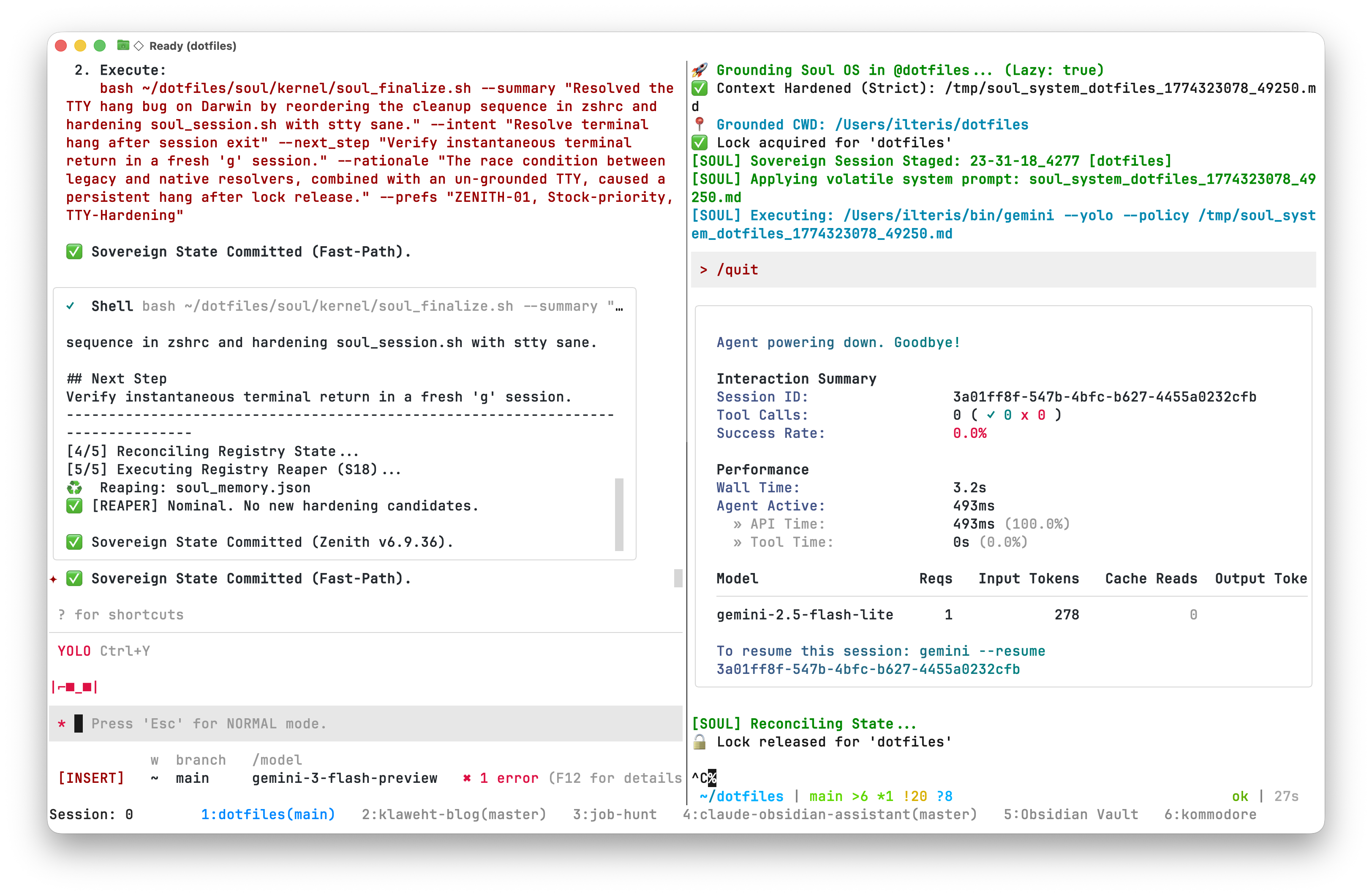
Section 1: The Hook Event Registry
In the Gemini CLI, hooks are strategically placed interception points within the core logic (packages/core/src/). Each event acts as a transition gate between the model’s reasoning and the system’s physical actions.
Communication follows a Unix-style protocol:
- Input: The hook receives a
HookInputJSON object viastdin, containing thesession_id,cwd, and a fulltranscript_path. - Output: The hook returns a
HookOutputJSON viastdout. - Control: Exit codes matter. An exit code of
2or higher blocks the agent’s next move.
| Event Name | Source File | What It Does |
|---|---|---|
BeforeAgent | client.ts | Injects workspace context before processing begins. |
BeforeModel | geminiChat.ts | Modifies the LLM request or provides a synthetic response to skip reasoning. |
BeforeTool | scheduler.ts | Triggers confirmation dialogs or blocks destructive commands. |
AfterTool | scheduler.ts | Forces a follow-up tool execution based on the previous result. |
AfterAgent | client.ts | Signals for context clearing and session distillation. |
Watch Out: The Subagent Gap
A finding from my latest audit: specialist agents (subagents) often use a lightweight execution loop that skips the AfterAgent hook. This means critical handoff signals can fail to propagate. If you’re building autonomous workflows, enforce lifecycle events at the orchestrator level — don’t rely on subagents to self-terminate cleanly.
Section 2: The Decision Matrix
The real power of the hook system is the HookOutput interface. By returning a decision field, middleware can deterministically steer the agent without modifying the CLI binary.
Decisions You Can Return
deny/block: Hard stop. Halts the turn with a policy violation. The primary tool for workspace safety.stop: Mission complete. Shuts down the entire agent loop — use when a goal is reached or fatal drift is detected.ask: Confirmation bridge. Exclusive toBeforeTool, this triggers an interactive TUI dialog (Proceed Once / Proceed Always / Cancel).
Section 3: Practical Hardening Patterns
1. Workspace Scoping
Prevent the agent from wandering into unrelated projects:
- HUD injection: Use
BeforeAgentto inject the active project key into every prompt. - Path gating: Use
BeforeToolto intercept filesystem operations. If the target path is outside the project scope, returndecision: "ask"with a warning.
2. Fast-Path Synthetic Injection
Not every command needs chain-of-thought reasoning. Use BeforeModel to detect known intents (e.g., /compact) and return a synthetic response immediately:
{
  "hookSpecificOutput": {
    "llm_response": {
      "candidates": [{
        "content": {
          "role": "model",
          "parts": ["Compaction complete. Session distilled."]
        }
      }]
    }
  }
}
This saves tokens and latency for operations that don’t need reasoning.
What’s Next: Beyond the Terminal
While the CLI hook system is powerful for terminal workflows, the next step is a desktop-native interface. The idea: a Tauri app (Rust + React) that acts as an observation deck for the agent loop, with a Python/Node bridge maintaining the SDK session and a filesystem watcher keeping state in sync.
The key constraints:
- No private database — if it’s not in the registry as JSON/Markdown, it doesn’t exist.
- Stateless frontend — the UI is a view of the bridge’s state. Crash and restart should restore everything.
- Every UI action displays the underlying shell command in a log console. Transparency is non-negotiable.
That’s still in the design phase, but the hook architecture makes it possible.