Getting it Together
Getting it Together
So after lighting up the box, I turn to look for to xbees I have bought. We got them from digikey and they were expensive.(23~each) andrew schneider got them for 19 bucks. I am not sure where he ordered it from. He was kind enough to give me one when I burnt out mine :) So wiring up the xigbees were interesting. Rob Faludi put up good examples which are pretty straightforward.
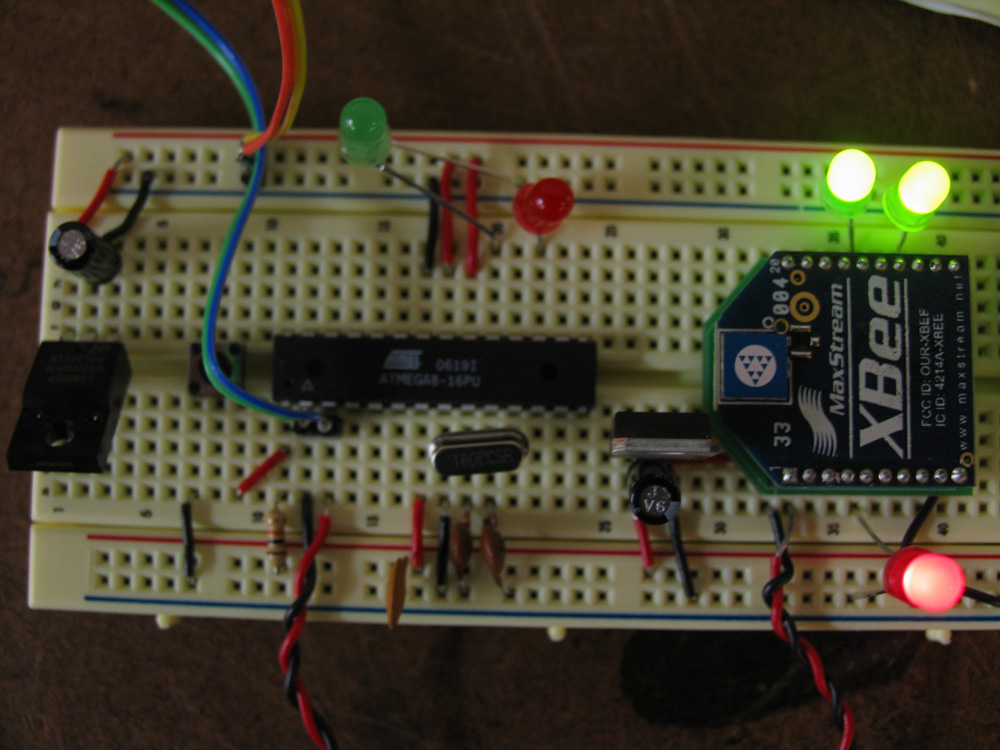
Some AT commands that I remember now are, DH is the first 32 bit of the addressing meaning destination high, DL means destination low and it is the 32bit that is the other part. Usually DL is being addressed and DH is left as default. (0) I set up my ATDL(number) without the parenthesis is the number for your destination xbees address if you write it at the setup. ATMY is your own address, so if someone wants to open a serial connection between you and him he should set the DL address that number in the setup print.serial(“ATDL2”);. likewise.
Basically you are sending all those commands with Serial object. Here is the code I used which is based on Rob Faludi’s code.
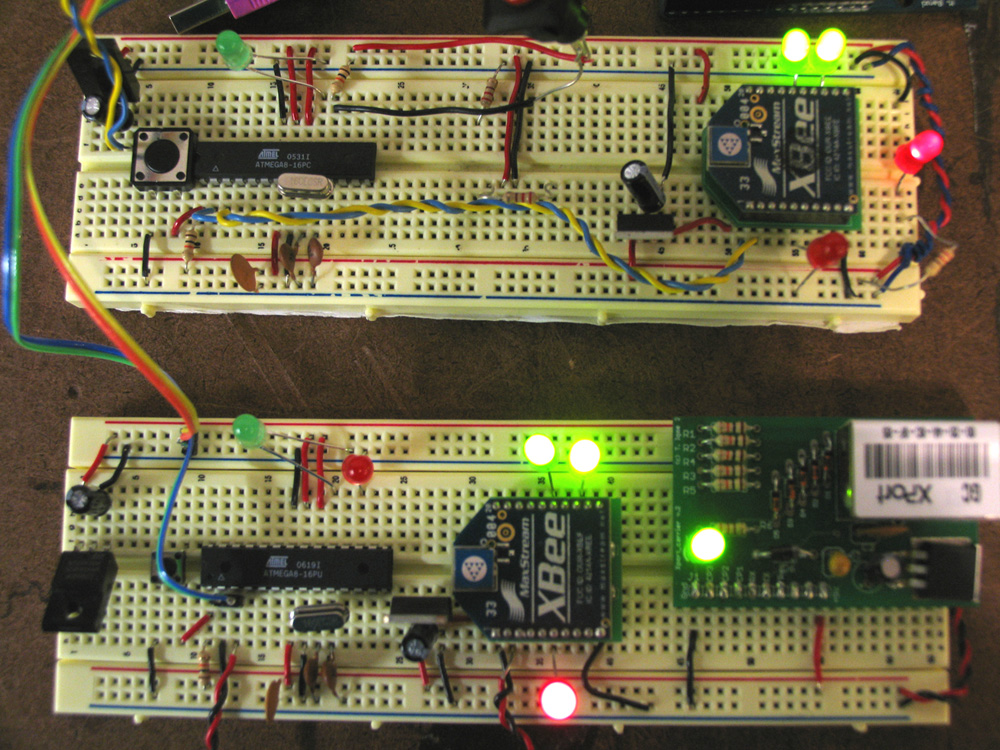
Everything was smooth on zigbee side after I figured out I cannot lay down the code into function that I can call in the runtime. They were acting somewhat weird, I think you really need to set them up in the setup() function for the sake of your mind and patience.
Xport Sending IDs
I managed the solve the issue with the xport as well. If you go to setup mode of xport and go to ?channel1? settings. (1) you will see a mode called flush mode, if you change its default value from 00 to 80 it will open up subproperties for xport that you can tweak. The importan one are how long its offset to connect to the server. Normally it is set to 12ms which means it connects after 12ms. There is an option if you want to go 5 seconds! I played with it and it was fun. It helped to to solve my issue with my code. In my code it looks like I was sending multiple times of Cip.num.ber.here in the arduino.
- arduino sample code for connecting to a php file and sending var1 value through it.
- php files (thanks to Josh Knowles for helping me out with the php code)
Software Serial
The problem was Xport was listening from the same rx pin as xbee. When xbee was sending certain serial messages xport got confused and started blinking weirdly. That’s why I needed to use software serial for this connection. There is a great tutorial from Heather Dewey-Hagborg at the Arduino Site. I basically followed the tutorial and used her SWread(char); and SWprint(); functions which behaves as serial pins for pins 7 and 8 at the arduino site which I called receiver because of xport was belonging to that box. It
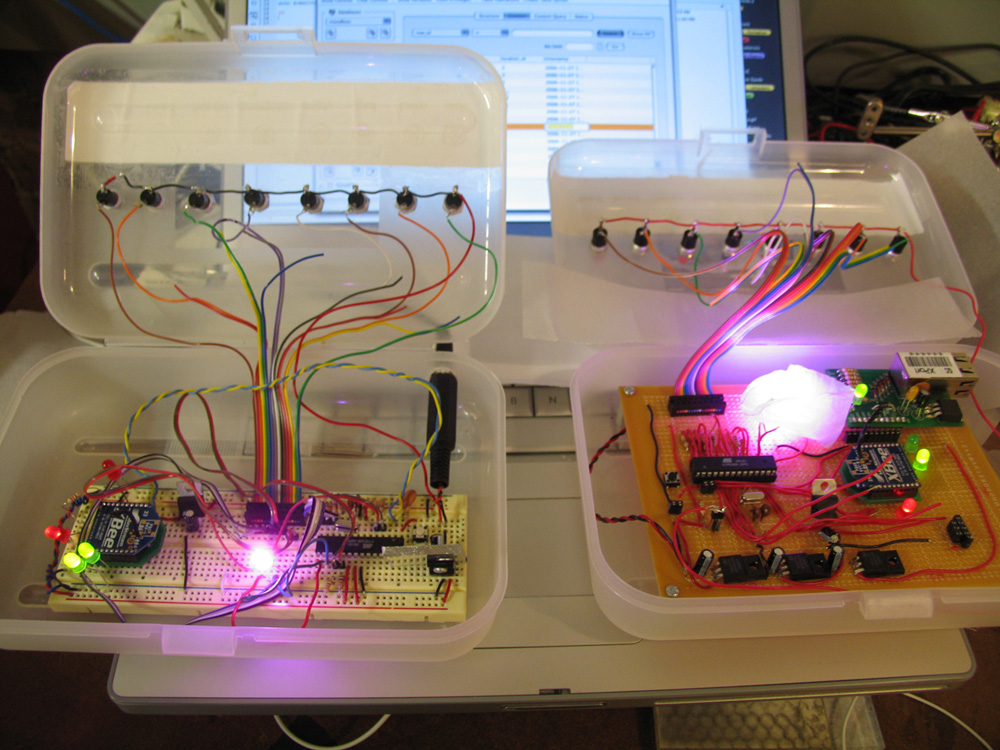
It is also the box that I prepared a perf board. The reason for a perf board came at a point where I started to see frequent physical problems while trying to test code on the breadboard. There were uncertain voltage drops over time because the 7805 was getting really hot. I put an heat sink and it helped but I still had problems which made me port everything into a perf board. It took 10 hours to prepare the perfboard and what I learned from this experience is you should use multimeter early and often.
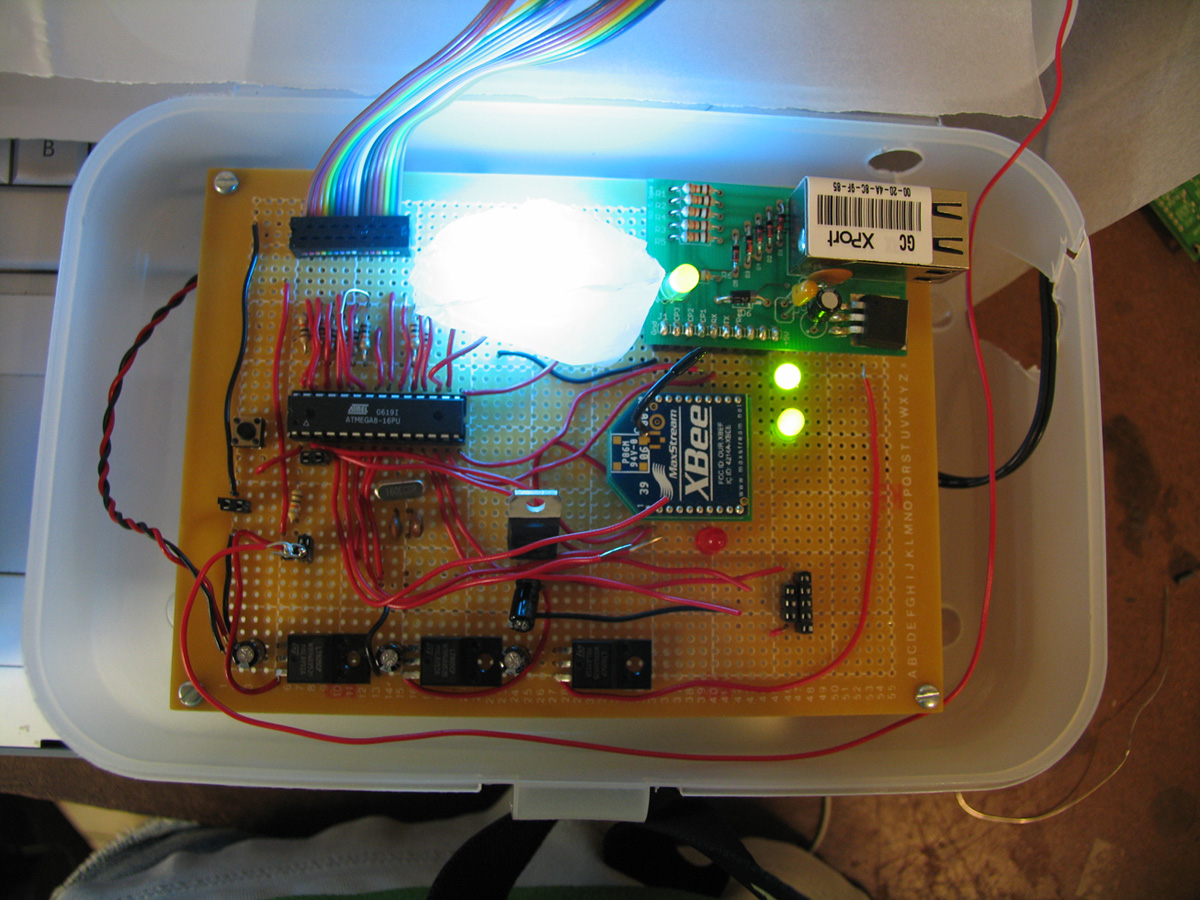
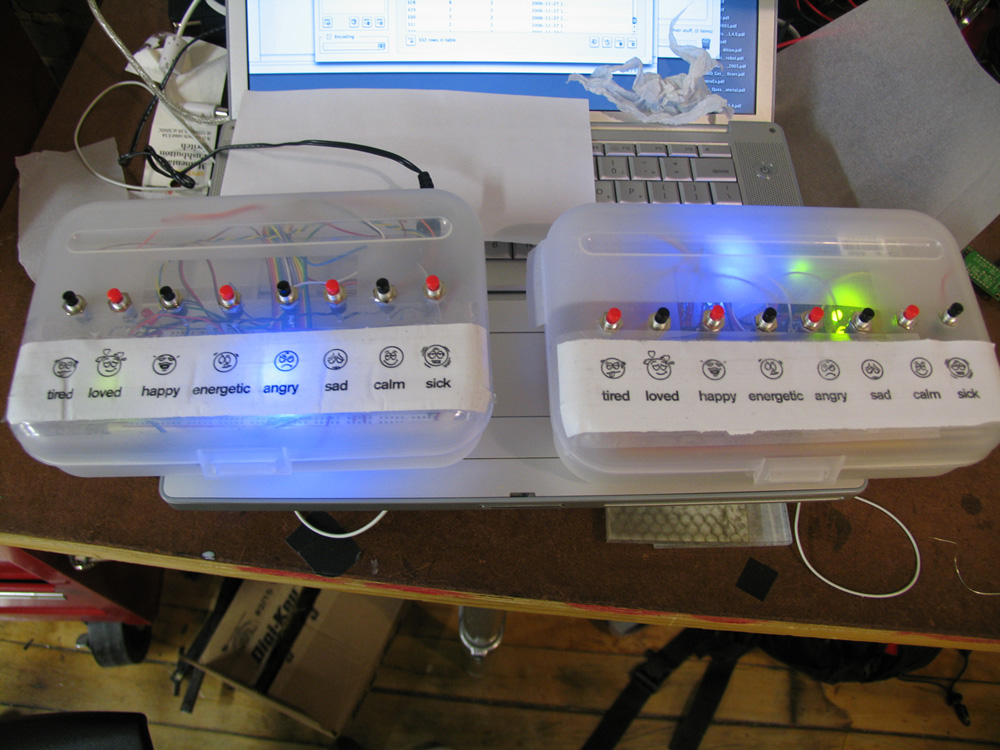
Here is the final pictures of when boxes are open and closed.